Android
 Windows
 Web

Know where you sign in
Review the devices connected to your account and end sessions you no longer need.
Passwords, notes and authenticator codes.
One familiar place, wherever your day takes you.
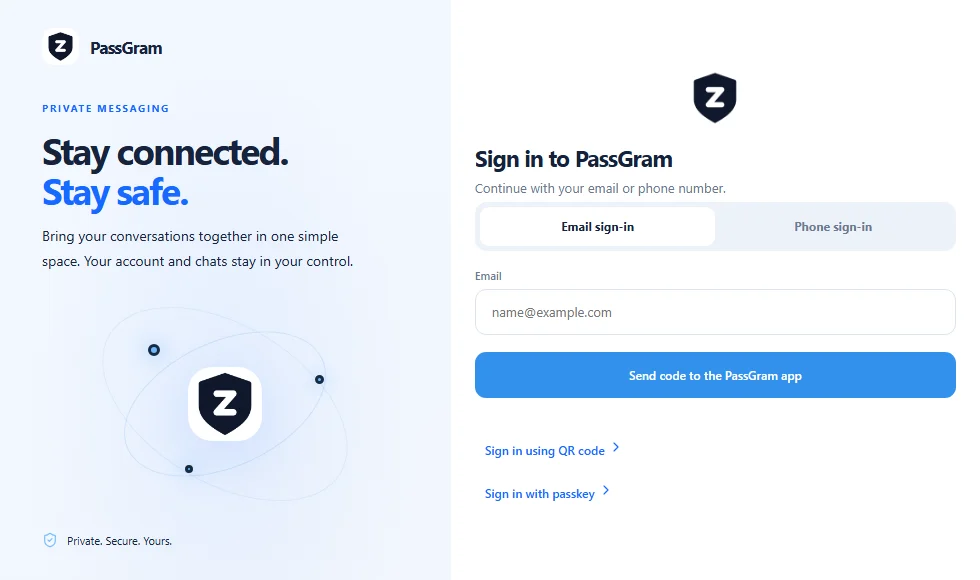
The real web sign-in interface, shown on desktop and mobile.
AT YOUR DESK. IN YOUR POCKET. IN YOUR BROWSER.
A login for work. A code for your next sign-in. A note you need to keep. Give the small, important things a home of their own.
No need to carry your computer everywhere. Open PassGram Web and choose the sign-in method that works for you.
Start at web.zpas.org.
Use the options shown in the app.
Review your signed-in devices in Settings.
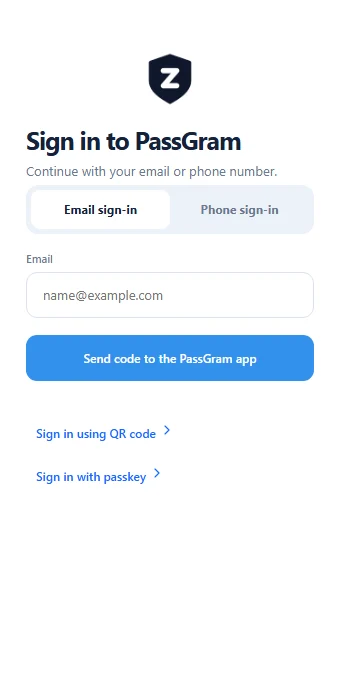
Your real web interface. No account data is loaded in this preview.
Review the devices connected to your account and end sessions you no longer need.
Understand what the app stores, how sign-in works and the choices available to you.
Clear screens, familiar patterns and fewer distractions between you and your next step.
I started PassGram because protecting your accounts should not feel like a chore. Too many people reuse the same password, skip two-step verification or keep their codes in places that are easy to lose, simply because the safe option is slow and confusing.
Our goal is to make the safe way the easy way. One account that follows you across your phone, your computer and the web, with every new sign-in approved on a device you already trust, and every session visible so you stay in control.
We build in the open about how things work, we keep sensitive details out of notifications and we ask for only what we need. Thank you for trusting PassGram with something this important. If you have ideas or feedback, I would love to hear from you.
Find PassGram for the device you already use.
Explore the apps